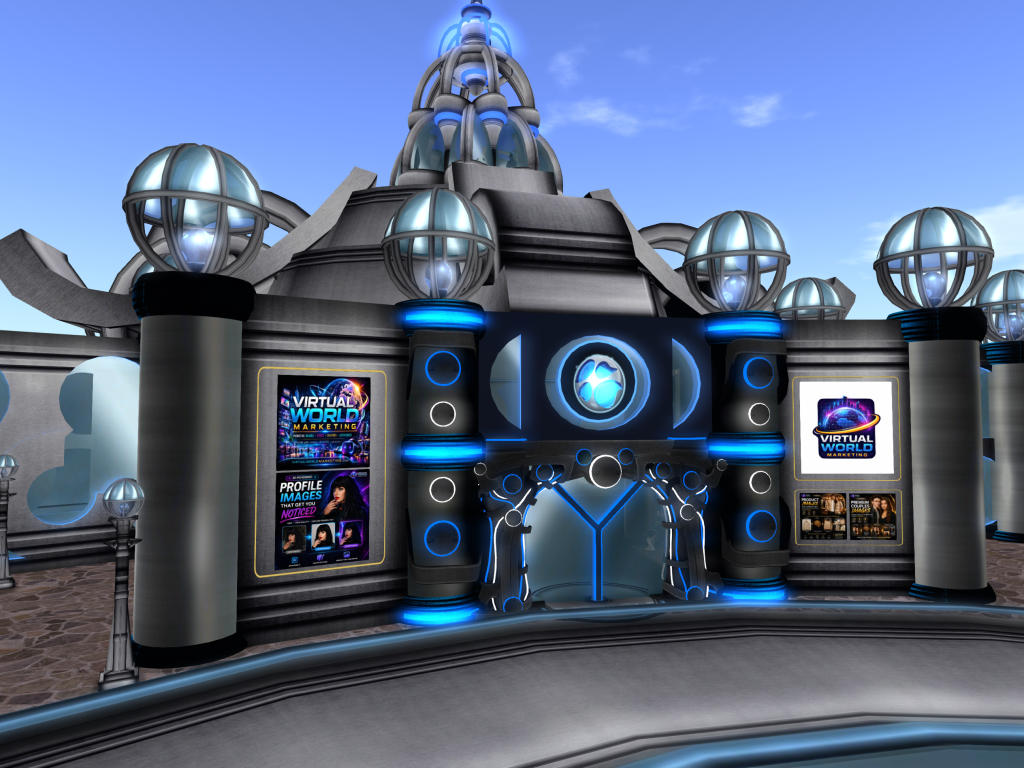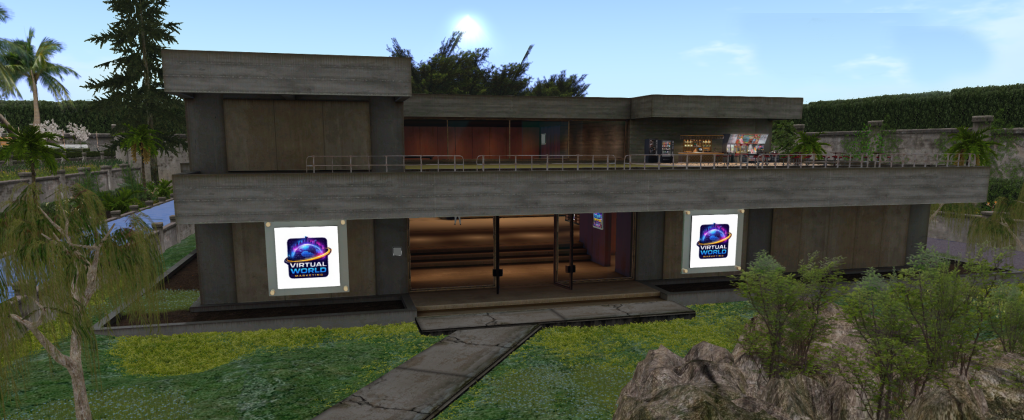
Headquarters
Visit our main office in Second Life and click the kiosk to register, log in, or open your customer dashboard.
Teleport
To get started with Virtual World Marketing, visit one of our Second Life locations and click the kiosk. The kiosk identifies your avatar, registers you if you are new, or logs you in if you already have an account.
Once connected, you can open your dashboard and begin using AI Generator services for profile images, event marketing, business ads, product images, bios, and more.
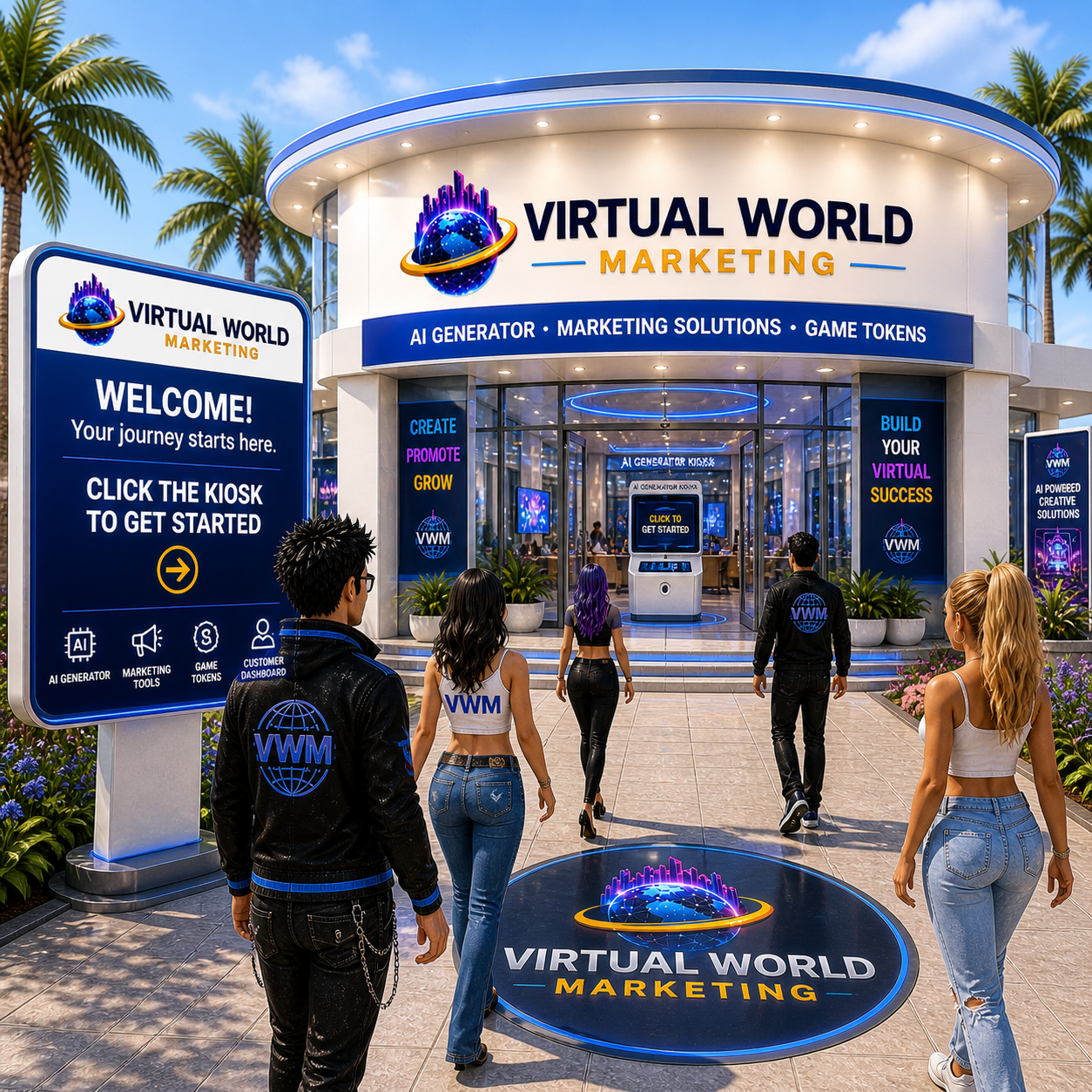
Visit any location to access the AI Generator kiosk. More locations will be added as our Second Life network expands.
Our main office is the primary place to start. Visit the location, click the kiosk, and open your customer dashboard. This connects your avatar to the correct customer account so your services and Game Token access are properly linked.
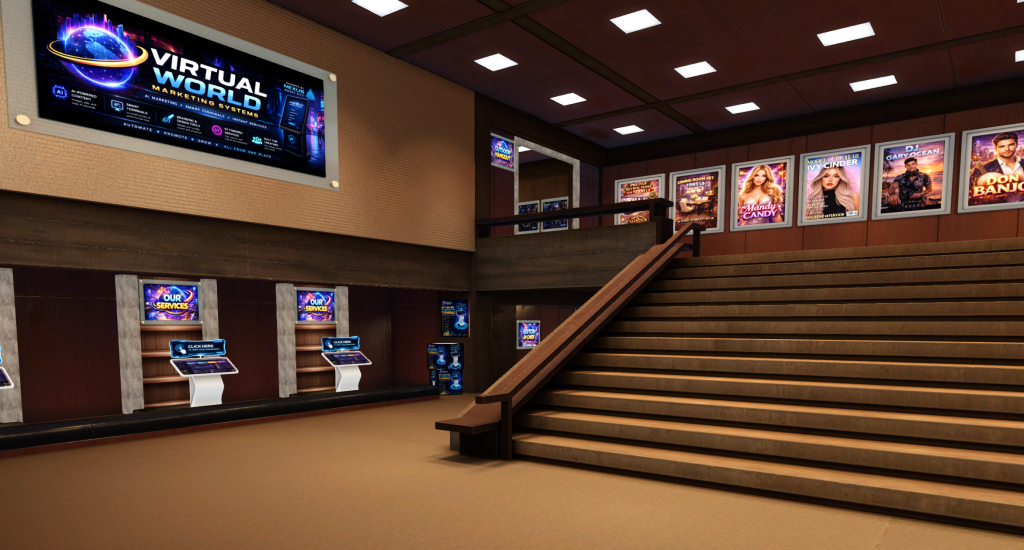
The process is simple. Visit, click, and open your dashboard.
Use one of the teleport buttons to visit a Virtual World Marketing AI Generator location in Second Life.
Once you arrive, click the kiosk. It will detect your avatar and securely begin your customer access process.
If you are new, the kiosk will register you. If you already exist in our system, it will log you in and open your dashboard.
We use our in-world kiosk to instantly identify your avatar and connect you to the correct customer account, ensuring your services, dashboard access, and Game Token activity are always accurate.